Halal stock screening API for developers (2026 overview)
Building Shariah screening from scratch is a trap. The developer overview: what you can build with a halal stock API, the five stock-screening endpoints, auth, and the AAOIFI methodology behind each verdict.
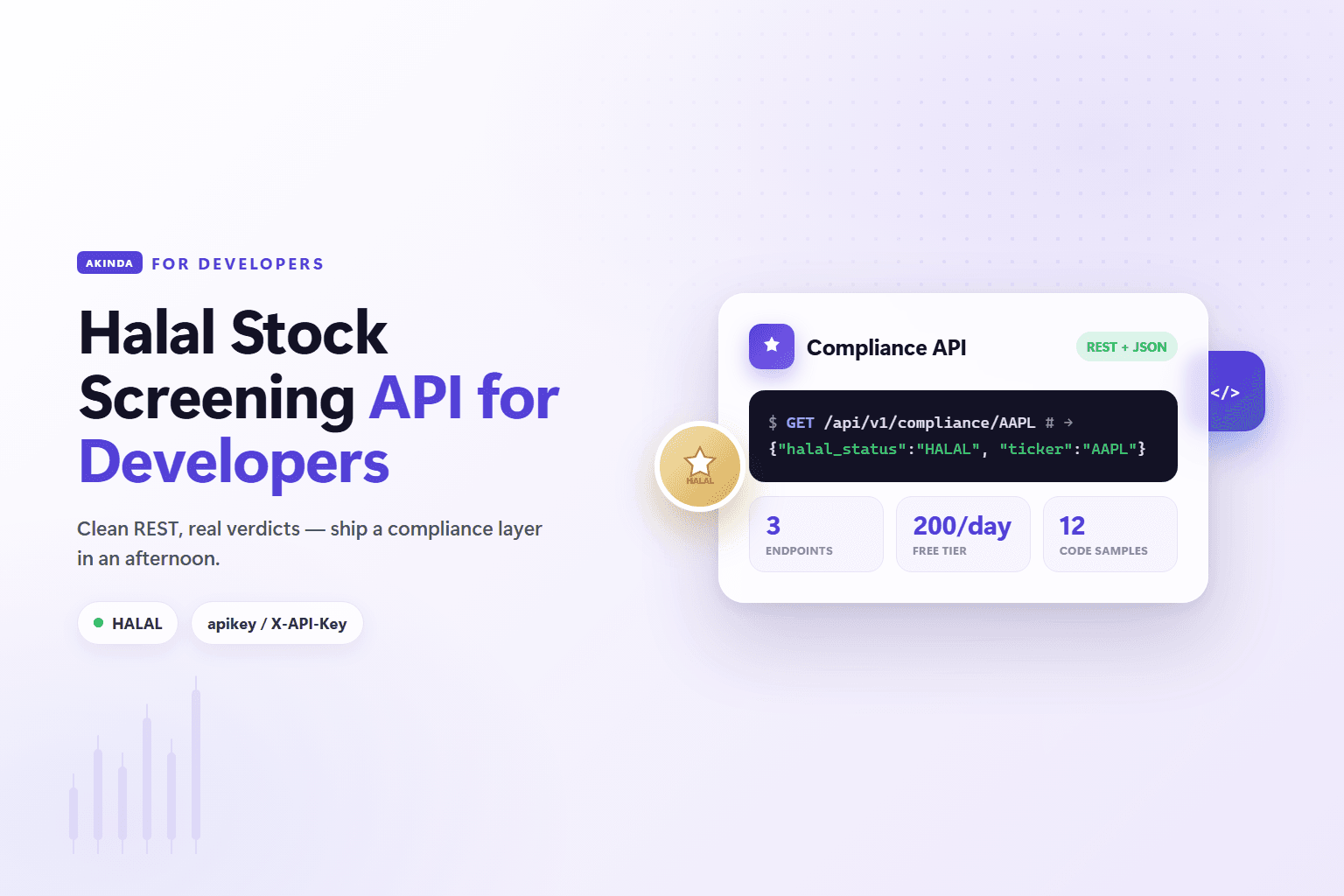
Building Shariah screening from scratch is a trap. Before you ship a single feature you'd need financial-data feeds, an AAOIFI-based screening engine, a scholar to sign off on the rules, and a way to keep all of it current every quarter. A halal stock screening API gives you that whole layer behind a handful of endpoints: send a ticker, get back a compliance verdict and the ratios behind it, render the result. This is the developer overview — what you can build, how the Akinda API is shaped, how to wire it in, and the methodology under each verdict.
Looking for the step-by-step?
What a halal stock screening API actually is
It's a web service that screens equities for Shariah compliance on demand. Your app sends a ticker; the API returns a structured JSON verdict — the halal_status field, which is one of HALAL, NOT HALAL or DOUBTFUL (plus ERROR_DATA / INCOMPLETE_DATA when a company's filings can't be screened) — usually alongside the financial ratios that produced it. Instead of maintaining screening logic and financial data yourself, you consume a maintained, scholar-governed data layer. There is no HARAM value and no COMPLIANT/NON_COMPLIANT status; pass the verdict through verbatim rather than remapping it.
The demand under this is real: Islamic finance assets sit at roughly $5.1 trillion in 2026 (Mordor Intelligence), and the audience of around two billion Muslims is badly under-served by mainstream investing tools. Screening is the building block almost every halal fintech feature is made of.
What you can build with it
Screening is a primitive, not a product — which is exactly why an API is useful. A few common integrations:
- A halal robo-advisor that only ever allocates client capital to
HALAL-screened stocks. - A screener feature inside an existing brokerage or research app — a halal badge (
HALAL/NOT HALAL/DOUBTFUL) on every ticker. - A pre-trade compliance gate that calls the compliance endpoint before an order executes and blocks
NOT HALAL(and, if you choose,DOUBTFUL) buys. - Portfolio monitoring that re-screens holdings each quarter and alerts users when a position drifts to
NOT HALALorDOUBTFUL. - An AI assistant that screens tickers mid-conversation via the Akinda MCP server — five read-only tools you connect from Claude, ChatGPT or Cursor. See connecting Akinda to Claude.
- A purification helper that tells users how much dividend income to cleanse. Note this figure isn't a REST field — it's produced by the MCP
akinda_calculate_purificationtool (paid plans), which you wire into your agent.
The Akinda endpoints
The surface is deliberately small. Everything hangs off the REST base https://b2b-api.akinda.io/api/v1, and the ticker is a path parameter — /compliance/AAPL, not ?symbol=AAPL. Five stock-screening endpoints, gated by tier:
GET /compliance/{TICKER}— the one-linehalal_statusverdict. Fast; ideal for a badge or a trade gate. Included on the free Basic tier (10 calls/day).GET /basic-report/{TICKER}— the verdict plus the three AAOIFI ratios (debt_ratio_perc,liquidity_ratio_perc,non_compliant_revenue_perc). Personal Standard and up.GET /methodology/{TICKER}— the same ticker under all five rulebooks: AAOIFI plus Dow Jones Islamic Market, FTSE Shariah, MSCI Islamic and S&P Shariah, each with its own denominator and thresholds. Business Ultimate and Business Enterprise only.GET /verdict-changes— the append-only feed of verdict and coverage changes, paged withsinceandlimitrather than addressed by ticker. Available on Business Ultimate and Business Enterprise.GET /full-report/{TICKER}— the full screen: the business-activity result plus every ratio with its AI-extracted SEC dollar figures. Personal Ultimate and up. The Akinda ranking pillars (ranking_score,profitability_score, and the rest) are Business Ultimate & Enterprise only.
Business tiers (Standard / Ultimate / Enterprise) sit above Personal Ultimate with higher rate limits; the methodology comparison and the verdict-change feed are on Ultimate and Enterprise. Full request and response schemas live in the developer docs.
A real request
Screen Apple with either auth method:
cURL
# apikey query param
curl "https://b2b-api.akinda.io/api/v1/compliance/AAPL?apikey=YOUR_KEY"

# or the X-API-Key header
curl -H "X-API-Key: YOUR_KEY" \
  "https://b2b-api.akinda.io/api/v1/compliance/AAPL"
The compliance endpoint returns a compact verdict:
JSON
{"company_name":"Apple Inc.","halal_status":"HALAL","ticker":"AAPL"}Current verdict: Halal
/basic-report/AAPL the evidence comes with it — debt ratio 2.99%, liquidity ratio 1.66%, non-compliant revenue 0%; the full report adds a halal rating of 10/10. The verdict is the same on every tier; paid tiers add the numbers behind it.On a paid tier, /basic-report/AAPL carries those ratios inline:
JSON
{
  "ticker": "AAPL",
  "company_name": "Apple Inc.",
  "halal_status": "HALAL",
  "debt_ratio_perc": 2.99,
  "liquidity_ratio_perc": 1.66,
  "non_compliant_revenue_perc": 0
}
Authentication
Authenticate with either the apikey query parameter or the X-API-Key request header — use whichever suits your client. There is no Authorization: Bearer flow. The dashboard auto-provisions a key on first login; copy it from your API keys page and keep it server-side. If you sign up with email or Google, a free Basic key is ready before you write any code.
How to integrate it
Integration follows the same shape as any modern REST API:
- Create an account and copy your API key from the dashboard.
- Call
/compliance/{TICKER}and parse thehalal_statusverdict. - Render it — a badge, a gate decision, or a full-report detail view — in your UI.
- Cache and re-screen on a schedule (quarterly is sensible), since verdicts move as filings change.
- For AI products, connect the Akinda MCP server so a model can screen tickers — and calculate purification — mid-conversation.
Structured JSON means no HTML scraping and no brittle parsing, and the tiny endpoint surface keeps the integration maintainable. If you're bolting screening onto an existing product, the walkthrough in add Shariah compliance to your app covers the UI and caching patterns in more depth.
The methodology behind each verdict
A screening API is only as good as the rules underneath it. Akinda's screen follows AAOIFI Shari'ah Standard No. 21 and runs in phases: a business-activity screen that removes impermissible industries (alcohol, conventional banking and insurance, gambling, tobacco, pork, weapons, adult content) and caps incidental non-compliant revenue, then financial-ratio tests reported as debt_ratio_perc and liquidity_ratio_perc. The rules are overseen by Akinda's Shari'ah advisor, so the verdicts your app renders are auditable. For the standard itself and how it differs from other frameworks, see AAOIFI vs IFSB vs S&P Shariah and the full methodology page.
Coverage & limits
Coverage is US tickers broadly, with UK (.L) and Canada (.TO) markets on higher tiers. The free Basic tier allows 10 calls/day against /compliance; paid tiers raise the rate limits and open the report endpoints. Check the pricing page for current limits — there's no “contact sales” below Enterprise.
Frequently asked questions
How do I get an API key?
Create an account, and the dashboard provisions a Basic key automatically. Pass it as the apikey query parameter or the X-API-Key header. Start free to build and test, then upgrade when you need the report endpoints or higher limits — no sales call to begin.
Can I screen an entire portfolio at once?
Over REST you call the endpoint per holding and aggregate the results in your own app — that's how portfolio monitoring and re-screening are typically built. If you're working through an AI agent, the MCP server exposes an akinda_screen_portfolio tool that batches a list of tickers for you.
Does the API return purification data?
Not as a REST field. The report endpoints return the verdict and the screening ratios; the purification figure — how much of a dividend to cleanse — is computed by the MCP akinda_calculate_purification tool on paid plans. Build purification features against that tool, and review any figure against your own Shari'ah governance before surfacing it.
Is a verdict a fatwa?
No. The API returns automated, data-driven screening signals based on public filings, not a religious ruling. It helps you ship compliant products at scale, but pair it with your own Shari'ah oversight and make clear to users that final religious authority rests with qualified scholars.
Verify it yourself via the Akinda API
Fire a live /full-report/<ticker> call from the playground using your own API key — see the compliance ratios, AAOIFI screen verdict, and source-breakdown fields the methodology produces.
Related reading