How to build a halal stock screener (10-minute developer tutorial)
A 10-minute tutorial for fintech developers: sign up, fetch your first halal verdict, render the result in your app. Code samples in JavaScript and Python.
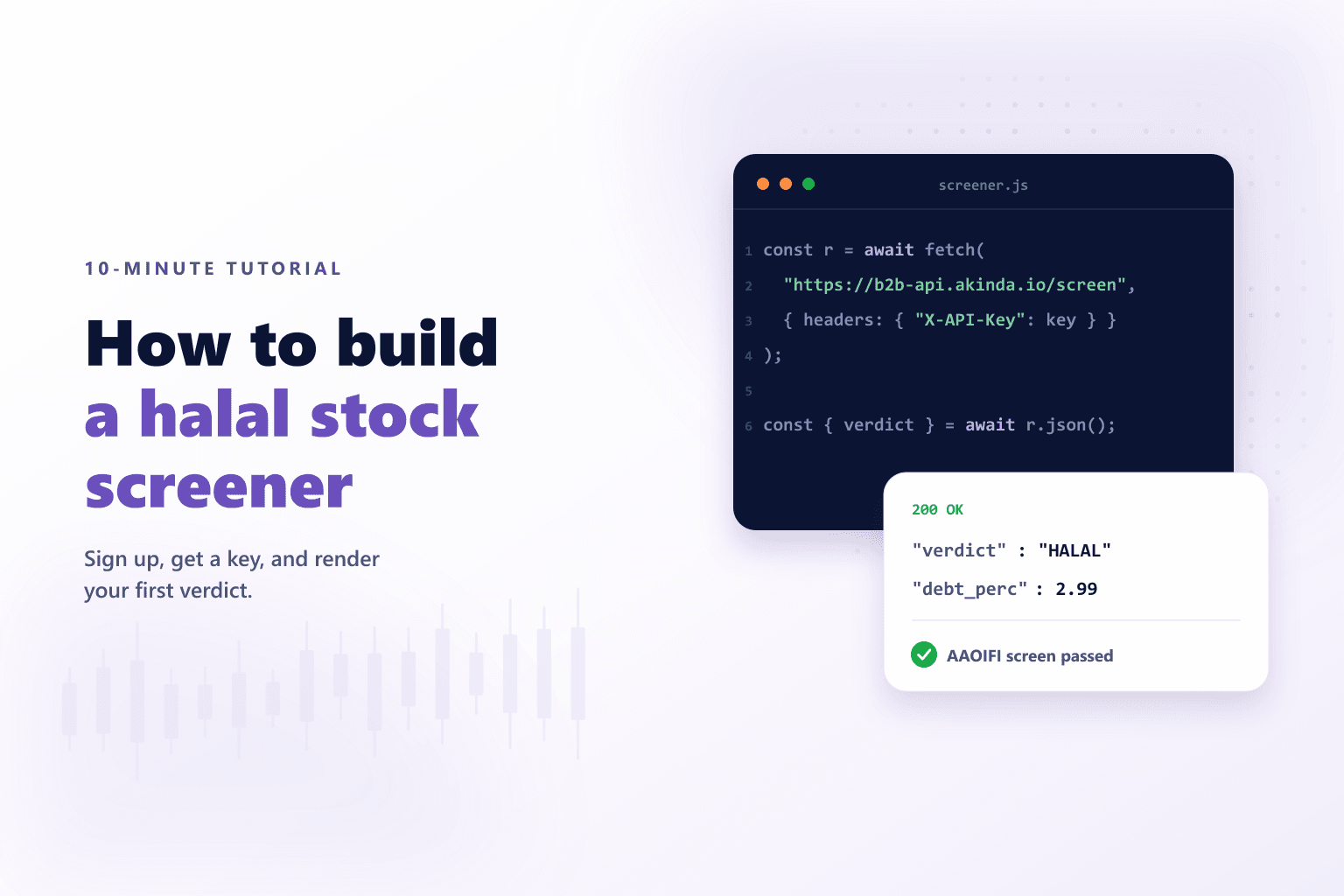
This tutorial walks a fintech developer from zero to a working halal stock screener using the Akinda API. The whole flow — sign-up, first API key, first request, rendering — fits in about 10 minutes of real work.
Step 1: Sign up and get a key
Create a free account at /signup using email or Google. You land in the dashboard with a free- tier API key already provisioned. Copy the key from the API Keys page; you'll pass it as the apikey query parameter on every request.
Step 2: Fire the first request
The simplest endpoint is /compliance — it returns the halal verdict for a single ticker in one round trip:
JavaScript
const KEY = "ak_live_xxx"; // from /api-keys

const res = await fetch(
  `https://b2b-api.akinda.io/api/v1/compliance/AAPL?apikey=${KEY}`
);
const data = await res.json();
console.log(data);
// {
//   ticker: "AAPL",
//   company_name: "Apple Inc.",
//   halal_status: "HALAL"
// }
Same call in Python:
Python
import requests

KEY = "ak_live_xxx"
res = requests.get(
    f"https://b2b-api.akinda.io/api/v1/compliance/AAPL",
    params={"apikey": KEY},
)
print(res.json())
Step 3: Use the headline ratios for context
If you want the three AAOIFI financial ratios on screen alongside the verdict, switch to /basic-report — same shape, plus debt_ratio_perc, liquidity_ratio_perc, non_compliant_revenue_perc.
JavaScript
const res = await fetch(
  `https://b2b-api.akinda.io/api/v1/basic-report/AAPL?apikey=${KEY}`
);
const data = await res.json();
// {
//   ticker: "AAPL",
//   company_name: "Apple Inc.",
//   halal_status: "HALAL",
//   debt_ratio_perc: 2.99,
//   liquidity_ratio_perc: 1.66,
//   non_compliant_revenue_perc: 0
// }
Step 4: Render in your app
A minimal halal-screening card in React:
React
function HalalCard({ data }) {
  const color = {
    HALAL: "emerald",
    DOUBTFUL: "amber",
    "NOT HALAL": "rose",
  }[data.halal_status] ?? "slate";

  return (
    <div className={`bg-${color}-50 border border-${color}-200 rounded-xl p-5`}>
      <p className="text-xs uppercase text-slate-500">
        {data.ticker} · {data.company_name}
      </p>
      <p className={`text-2xl font-black text-${color}-700 mt-2`}>
        {data.halal_status}
      </p>
      <p className="text-xs text-slate-600 mt-1">
        Debt {data.debt_ratio_perc}% · Liquidity {data.liquidity_ratio_perc}%
      </p>
    </div>
  );
}
Step 5: Ship the full screening grid
When you're ready for the full AAOIFI screening grid plus AI-extracted SEC dollar fields and the source breakdown, point at /full-report. Same JSON shape, more fields. Methodology mapping for every field lives on our methodology page.
What to read next
Verify it yourself via the Akinda API
Fire a live /full-report/<ticker> call from the playground using your own API key — see the compliance ratios, AAOIFI screen verdict, and source-breakdown fields the methodology produces.
Related reading
Keep reading
Which companies changed verdict, and whether it was the company that moved or the standard's own limit.
Findings measured across the funds and companies we screen, with the date each was taken.
Basket coverage decides what a fund verdict is worth, and it drifts without anyone trading.
Six plans from a free tier to enterprise, with the rate limit and data allowance on each.