Shariah screening API: endpoints, auth & a quickstart tutorial
Go from an API key to your first halal verdict with the Akinda Shariah screening API — real endpoints, auth, a live AAPL example, and portfolio screening in code.
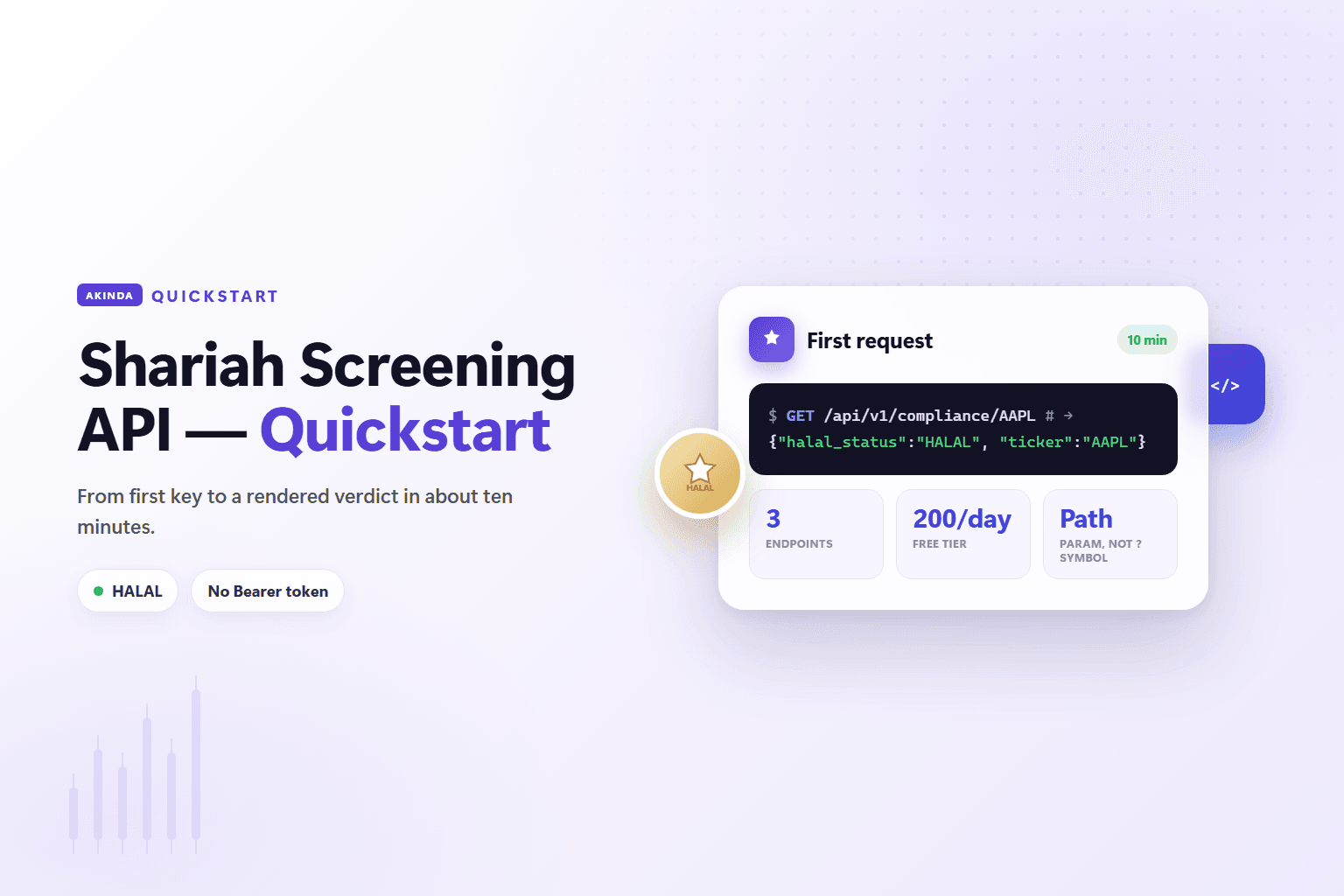
This is a hands-on quickstart for adding Shariah screening to your product with the Akinda Halal API. In a few minutes you'll go from an API key to your first compliance verdict, then see how to screen a whole portfolio, handle the no-data cases, and run the integration in production. If you haven't picked a vendor or grabbed a key yet, start with how to get a halal stock API — this guide picks up the moment you have a key and want to build the integration. Every request and response below is the real Akinda contract, not a placeholder.
Quick answer
GET /api/v1/compliance/{TICKER} for a fast halal verdict, /basic-report/{TICKER} for the verdict plus the three AAOIFI ratios, /full-report/{TICKER} for the complete screen with AI-extracted SEC dollar figures, and /methodology/{TICKER} for the same ticker under all five rulebooks (Business Ultimate and Enterprise), and /verdict-changes for the feed of everything that changed. Authenticate with your key as the apikey query parameter or the X-API-Key header, call an endpoint with a ticker, and parse the JSON.What the API gives you
The Shariah screening API turns "is this stock halal?" into a single HTTP request. You send a ticker; it returns a compliance verdict and, depending on the endpoint, the financial ratios and the SEC-derived figures behind it. The rules come from a published, AAOIFI-based screening methodology (Shari'ah Standard No. 21), so the output is auditable rather than a black-box flag. Coverage is US markets broadly, with UK (.L) and Canada (.TO) listings available on the higher tiers.
The five stock-screening endpoints
Start narrow and add detail where your UI needs it. The base URL is https://b2b-api.akinda.io/api/v1, and the ticker is a path segment — not a ?symbol= query.
GET /compliance/{TICKER}— a fast halal verdict, ideal for a badge or a pre-trade gate where latency matters. Available on every tier, including the free Basic tier (10 calls/day).GET /basic-report/{TICKER}— the verdict plus the three AAOIFI screening ratios (debt, liquidity, non-compliant revenue), enough to show why a stock passed or failed. Requires Personal Standard or above.GET /full-report/{TICKER}— the complete screen: every ratio paired with its AI-extracted SEC dollar counterpart, plus thehalal_rating. Requires Personal Ultimate or above; Business Ultimate and Enterprise add the Akinda ranking pillars (ranking_score,profitability_score, and the rest).GET /methodology/{TICKER}— the same ticker screened under all five rulebooks: AAOIFI plus Dow Jones Islamic Market, FTSE Shariah, MSCI Islamic and S&P Shariah, each with its own denominator and thresholds. Business Ultimate and Business Enterprise only.GET /verdict-changes— the append-only feed of verdict and coverage changes. It takessinceandlimit, not a ticker, and replays deterministically from a cursor. Available on Business Ultimate and Business Enterprise.
Two things the endpoints do NOT do
/full-report field — it's a separate MCP tool (akinda_calculate_purification) you call when you need a per-share cleansing figure. And there is no Authorization: Bearer flow anywhere in the API; keys go in apikey or X-API-Key only.Authentication
The API uses key-based authentication. Generate a key in the dashboard, then send it with every request in one of two ways:
- As a query parameter:
?apikey=YOUR_KEYappended to the URL. - As a request header:
X-API-Key: YOUR_KEY— the cleaner choice for server-side code so the key never lands in a URL or an access log.
Two rules keep you safe:
- Keep keys server-side. Never ship an API key in client-side code or a mobile bundle where it can be extracted. Proxy screening calls through your backend.
- Use environment variables. Load the key from an environment variable or secret manager rather than committing it to source control.
Quickstart: your first compliance check
Four steps take you from zero to a verdict.
- Sign in and copy your API key from the dashboard.
- Store it as an environment variable, e.g.
AKINDA_API_KEY. - Call the compliance endpoint with a ticker in the path.
- Parse the JSON verdict and render it in your app.
cURL
# Ticker is a PATH param; key goes in apikey or X-API-Key
curl "https://b2b-api.akinda.io/api/v1/compliance/AAPL?apikey=$AKINDA_API_KEY"

# equivalently, with the header:
curl -H "X-API-Key: $AKINDA_API_KEY" \
     "https://b2b-api.akinda.io/api/v1/compliance/AAPL"
The real response for Apple is compact:
JSON
{"company_name":"Apple Inc.","halal_status":"HALAL","ticker":"AAPL"}Current verdict: Halal
AAPL comes back HALAL. On /full-report the same company returns a halal_rating of 10/10 with a 2.99% debt ratio, 1.66% liquidity ratio, and 0% non-compliant revenue — the evidence behind the one-word verdict. MSFT is HALAL too.Screening a whole portfolio
Most real integrations screen more than one ticker. The pattern is simple: iterate over the holdings, call /compliance/{TICKER} for each, and aggregate the verdicts.
Python
import os, requests

BASE = "https://b2b-api.akinda.io/api/v1/compliance"
HEADERS = {"X-API-Key": os.environ["AKINDA_API_KEY"]}
holdings = ["AAPL", "MSFT", "NVDA", "JPM"]

verdicts = {}
for ticker in holdings:
    r = requests.get(f"{BASE}/{ticker}", headers=HEADERS, timeout=10)
    r.raise_for_status()
    verdicts[ticker] = r.json()["halal_status"]

# Anything not explicitly HALAL is worth surfacing to the user.
flagged = [t for t, v in verdicts.items() if v != "HALAL"]
Cache the results and re-run the loop on a schedule rather than on every page load. If a model needs to screen a basket mid-conversation, the Akinda MCP server exposes an akinda_screen_portfolio tool that does the fan-out for you — see connecting Akinda to Claude over MCP. Mind your plan's rate limits when screening large baskets; the free tier is 10 calls/day.
Reading the response
A screening response carries a few pieces you'll build around:
- The verdict —
halal_status, one ofHALAL,NOT HALALorDOUBTFUL. Map it to a badge or a gate decision. - The identity —
company_nameandticker, so you can label the result unambiguously. - The financial ratios —
debt_ratio_perc,liquidity_ratio_percandnon_compliant_revenue_percmeasured against the AAOIFI thresholds (on/basic-reportand/full-report). - The dollar figures —
/full-reportpairs each ratio with its AI-extracted SEC dollar value, plus ahalal_ratingfrom 0–10.
No-data states are verdicts too
halal_status comes back as ERROR_DATA or INCOMPLETE_DATA rather than a pass or fail. Treat these as "not screened," never as a silent pass.Handling errors and edge cases
- Unknown or uncovered tickers. Not every symbol has coverage. Show a neutral "not screened" state rather than defaulting to halal or not-halal.
- No-data verdicts. Handle
ERROR_DATA/INCOMPLETE_DATAexplicitly so a missing filing doesn't read as a clean pass. - Rate limiting. Exceed your plan's limit and you'll get an HTTP 429 — back off and retry rather than hammering the endpoint.
- Auth failures. A missing or wrong key returns 401. Check you sent
apikeyorX-API-Keyand that the endpoint is in your tier (/basic-reportneeds Personal Standard,/full-reportneeds Personal Ultimate). - Fail safe, not open. If a verdict genuinely can't be fetched, show an "unable to verify" state instead of silently passing a stock through a compliance gate.
Production tips
- Cache and re-screen. Store verdicts and refresh them quarterly, after earnings season, rather than calling on every page load.
- Monitor your usage. Track request volume against your plan so a spike — say, a portfolio re-screen for every user on the same day — doesn't hit a limit unexpectedly.
- Wire it into AI agents. Because responses are structured JSON, you can expose the endpoints — or the five read-only MCP tools on paid plans — to a model so it can screen tickers mid-conversation.
- Test against the real fields. Point your integration tests at
halal_statusand the ratio fields so you catch any schema change early. See adding Shariah compliance to your app for a fuller integration walk-through.
Frequently asked questions
How do I authenticate with the Shariah screening API?
Generate an API key in the dashboard and send it as the apikey query parameter or the X-API-Key header on each request. There is no Authorization: Bearer flow. Keep the key server-side, in an environment variable or secret manager, rather than exposing it in client code.
Which endpoint should I start with?
Start with /compliance/{TICKER}. It returns a fast halal verdict that's perfect for a badge or a pre-trade gate, and it's the one endpoint available on the free Basic tier. Move to /basic-report (Personal Standard) or /full-report (Personal Ultimate) when you need the ratios and dollar figures behind the verdict.
How do I calculate purification?
Purification isn't a REST field. It's the akinda_calculate_purification tool on the Akinda MCP server (https://b2b-api.akinda.io/mcp, paid plans), which returns the per-share dividend-cleansing figure on demand.
Can I screen an entire portfolio at once?
Call /compliance/{TICKER} for each holding and aggregate, as in the loop above, or let a model use the akinda_screen_portfolio MCP tool. Schedule the job and cache results rather than screening everything on demand, and watch your rate limit. If you're building the whole product around this, see how to build a halal stock screener.
This article is for general information only, not financial or religious advice. Automated Shariah screening produces data-driven signals, not a fatwa; pair it with your own Shariah governance. Endpoints, coverage, and tiers change over time — verify current details in the developer docs before building. Questions: contact@akinda.io.
Verify it yourself via the Akinda API
Fire a live /full-report/<ticker> call from the playground using your own API key — see the compliance ratios, AAOIFI screen verdict, and source-breakdown fields the methodology produces.
Related reading